NEW: Three Flow Updates 🔁
Improving our "Hello, Thank You, and Goodbye"

A better Onboarding, Upgrading, & Leaving Experience
Sometimes we share new features. Shiny updates. New functionality.
Today we share something different.
It is about how Pretty Prompt feels at the moments that matter most.
The three key touchpoints every product has, whether you design for them or not:
When someone arrives (Hello)
When someone decides to pay (Thank you)
When someone decides to leave (Goodbye)
These moments aren’t about features.
They’re about being human.
Products without users, are just code.
We don’t want to be just code. We want to be a product. 🙃
Just like in real life:
First impressions matter
Gratitude matters
How you say goodbye matters
So we redesigned all three key moments.
How we think about this
We usually think about product work as a balance between offensive and defensive engineering
New features help you grow
Improvements help you retain
These flow upgrades do both.
They:
Help new users succeed faster
Help us understand why people upgrade
Help us learn, honestly, why people leave
Here’s what changed:
Hello: Onboarding
Onboarding is one of the hardest parts of any product.
Too long and people bounce.
Too short, and they never find value.
Ask too much and it feels annoying.
Ask too little and you learn nothing.
We went back and forth on this a lot.
We think of Pretty Prompt as a tool, not a platform.
Simple by design. → Which made onboarding feel… risky.
So we made a rule:
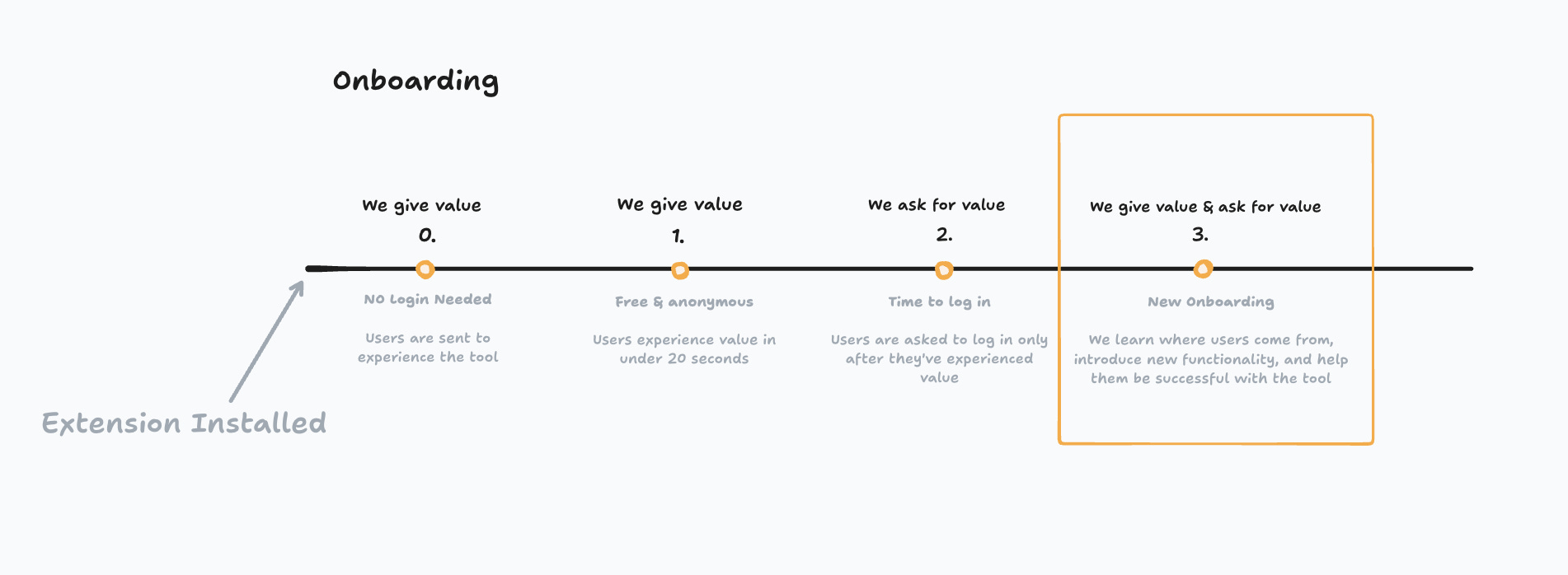
No onboarding before value.
Here’s how it works:
Install the extension
No login required
You improve a few prompts
Only then we ask you to log in
Then we onboard you to the Free tier
Only after the user already understands:
What Pretty Prompt does
How it works
Why it’s useful
The onboarding itself is intentionally light:
Select where you want to use Pretty Prompt
Tell us how you found it
Then continue your journey
No friction up front. No long tutorials.
Just enough guidance to help users succeed.
In the end of the day, if they succeed, we’ll succeed too.
This won’t work for every product.
But for us, letting people experience the value first has been incredibly powerful.
I heard users saying, “I didn’t realize I was already in the product. I got value in the first 20-30 seconds.”
Thank you: Upgrading
Originally, clicking “Upgrade” sent users straight to Stripe.
We added a step in between with:
Social proof
More information on plans
A sense that upgrading isn’t just a transaction
That helped conversions.
But we were still missing one thing:
Understanding why they upgrade.
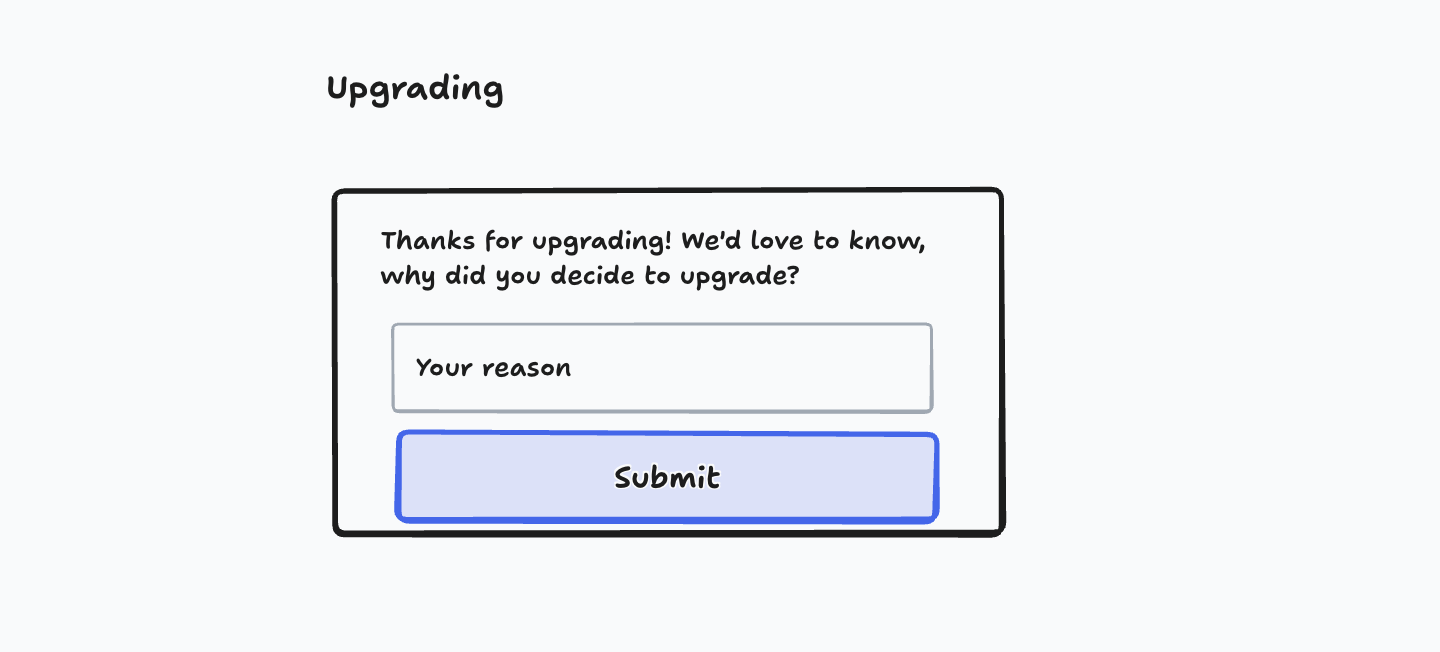
So after the checkout, users now see:
A personal welcome message
Lots of confetti 🎉
And one simple question:
“Why did you decide to upgrade?”
That’s it.
No big survey.
Only one question.
A moment to learn.
Because if you understand why people say yes, you know what to double down on.
Goodbye: Leaving
Churn happens.
That part is unavoidable.
But ignoring it is a choice.
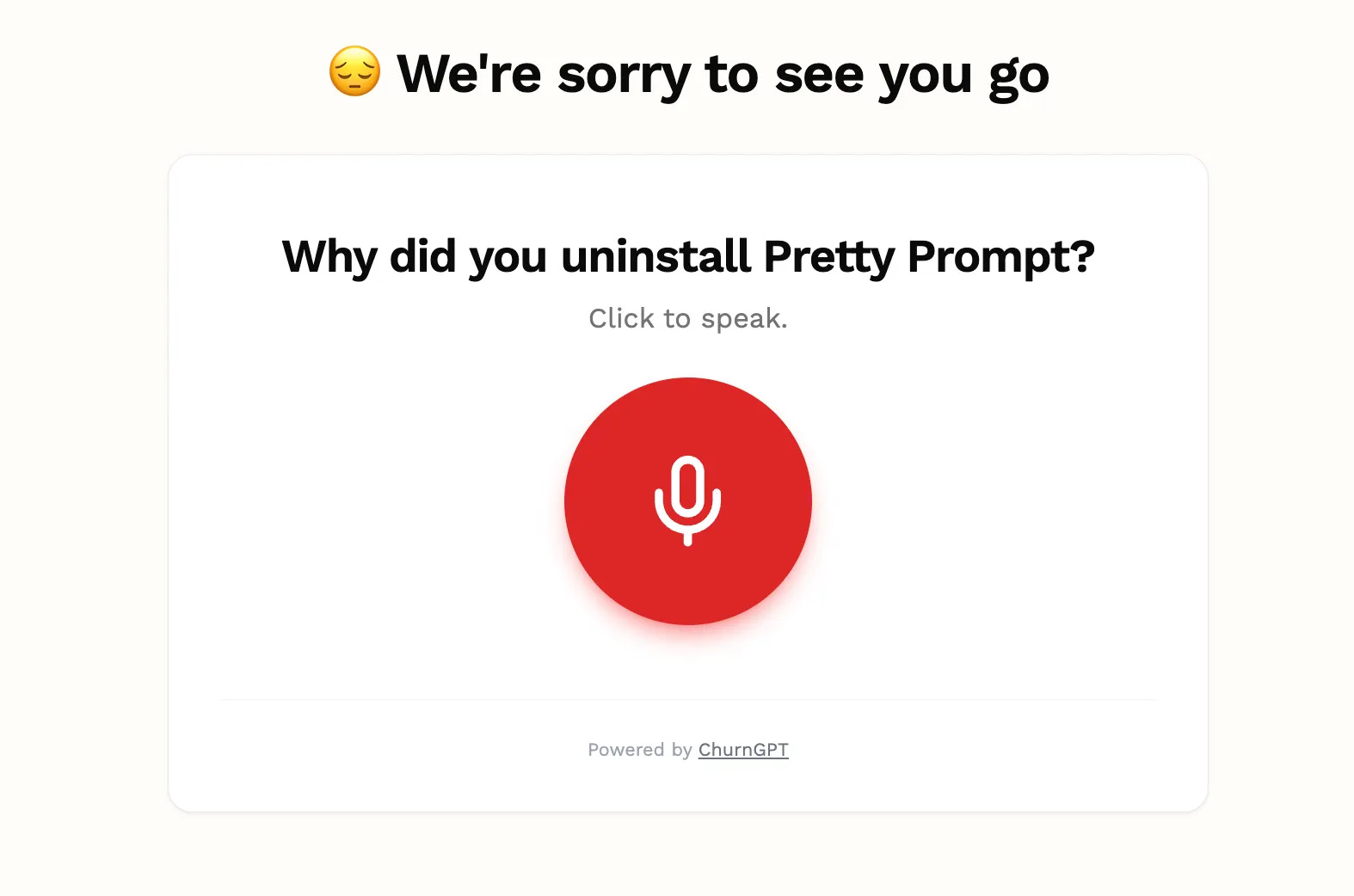
We replaced our exit survey, with something different:
A voice message.
When someone uninstalls Pretty Prompt, they can simply talk and leave a message with feedback. Just like a voicemail ☎️.
No typing.
No dropdowns.
Just honesty.
Because who likes to fill in yet another survey?!
Those messages land directly in Slack. Then we can act fast.
We’re still testing this one.
We might even package it into a separate product if it becomes useful!
Closing thoughts
Most products obsess over acquisition.
Few obsess over moments. Flows. Improvements.
But users remember how you welcomed them.
They remember how you thanked them.
And they definitely remember how you treated them when they left.
That’s what these flow upgrades are really about.
If you use Pretty Prompt and have experienced any of these flows, let me know!
We’re constantly improving and always iterating.
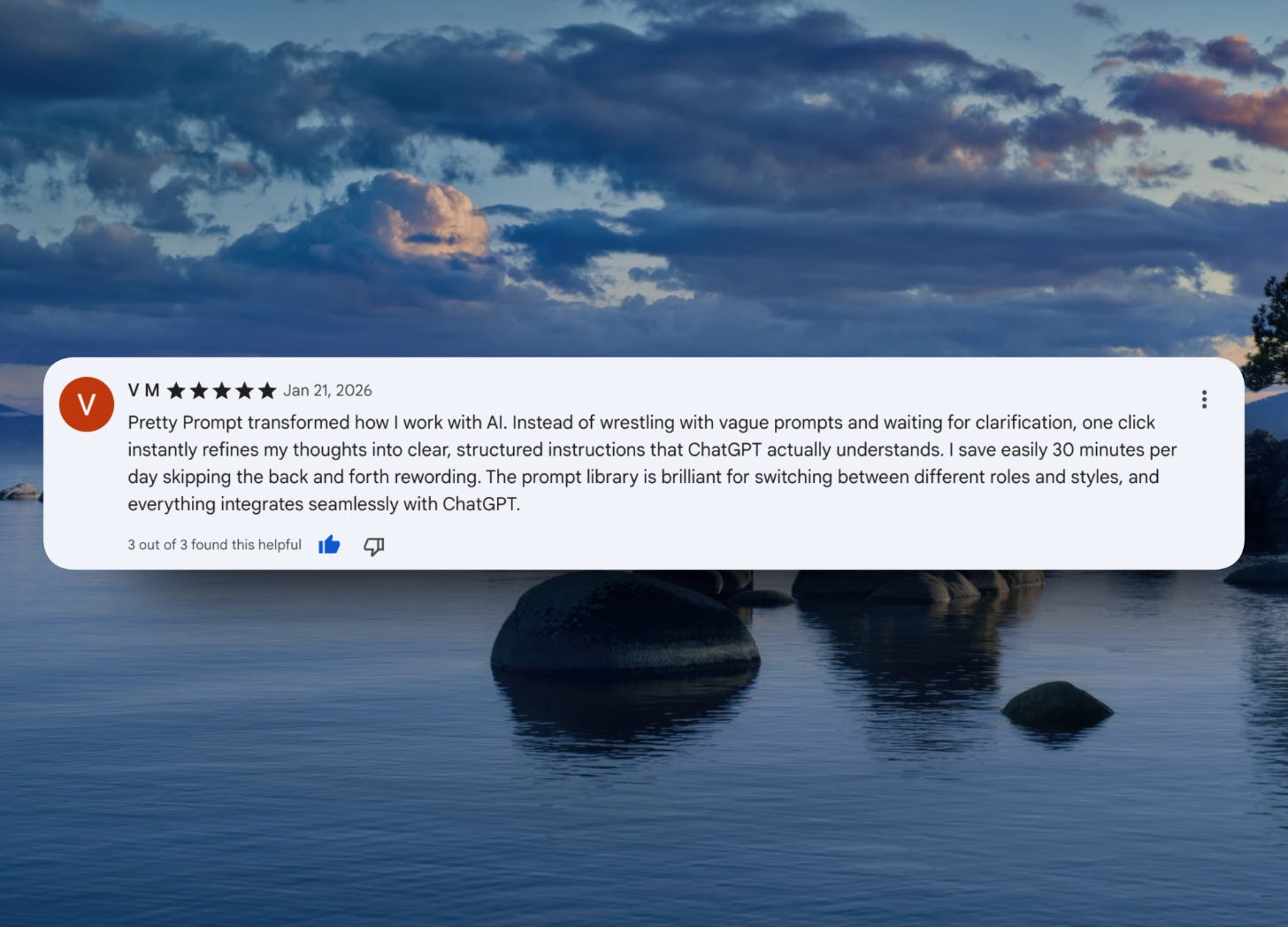
Review spotlight
“Pretty Prompt transformed how I work with AI. Instead of wrestling with vague prompts and waiting for clarification, one click instantly refines my thoughts into clear, structured instructions that ChatGPT actually understands.
I save easily 30 minutes per day skipping the back and forth rewording. The prompt library is brilliant for switching between different roles and styles, and everything integrates seamlessly with ChatGPT.”