
New: 📌 Pin Button or ☁️ Float Button
Our most popular request yet.

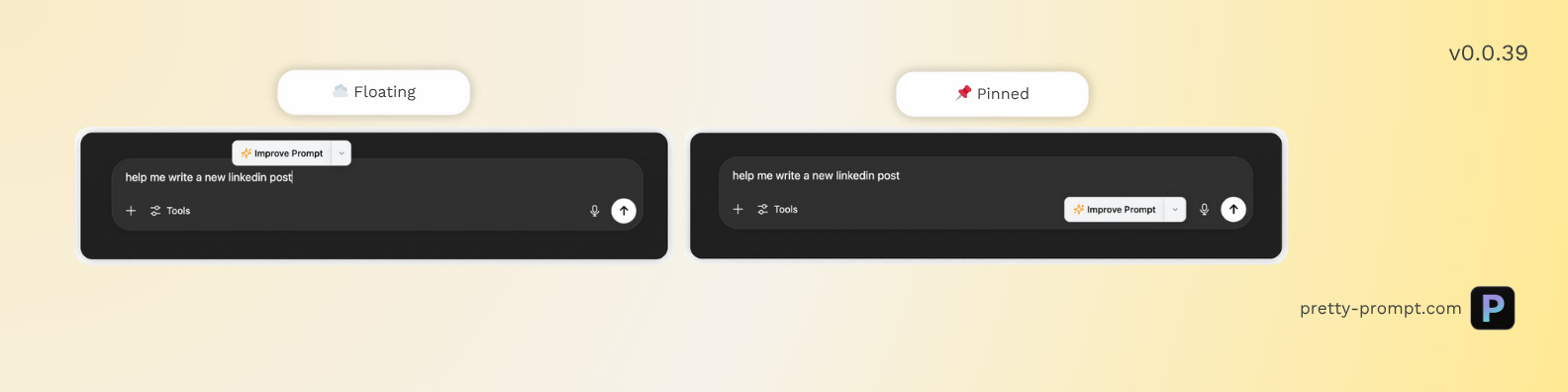
We rebuilt the ✨ Improve Prompt button from the ground up. And now you have the choice between Floating Button (as before), or Pinned Button (new option).
Many of you shared with us that the button following your text was "always in the way”. With this update, you can interact with Pretty Prompt and:
- Pin the button to the page.
- Or keep it floating.
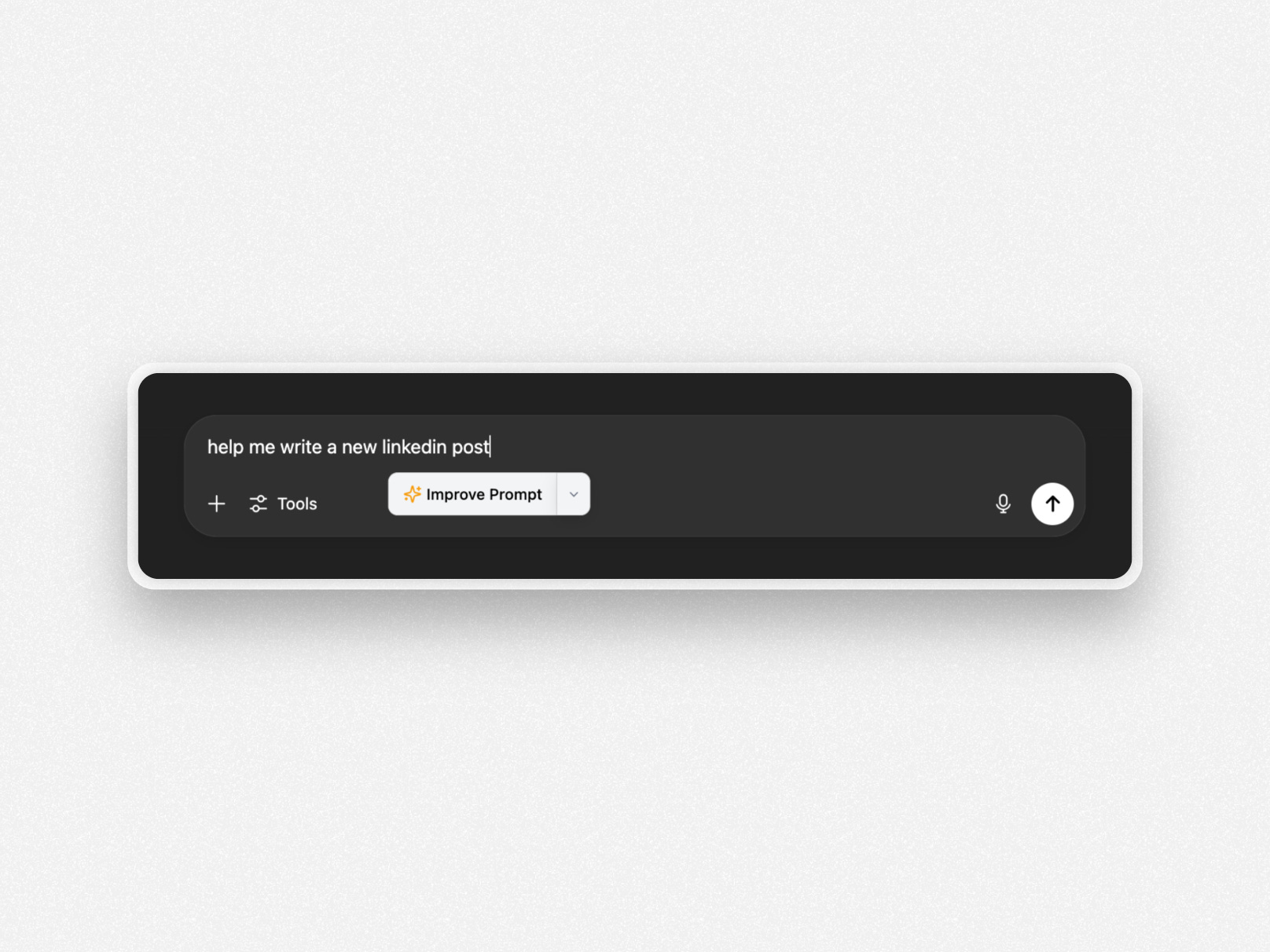
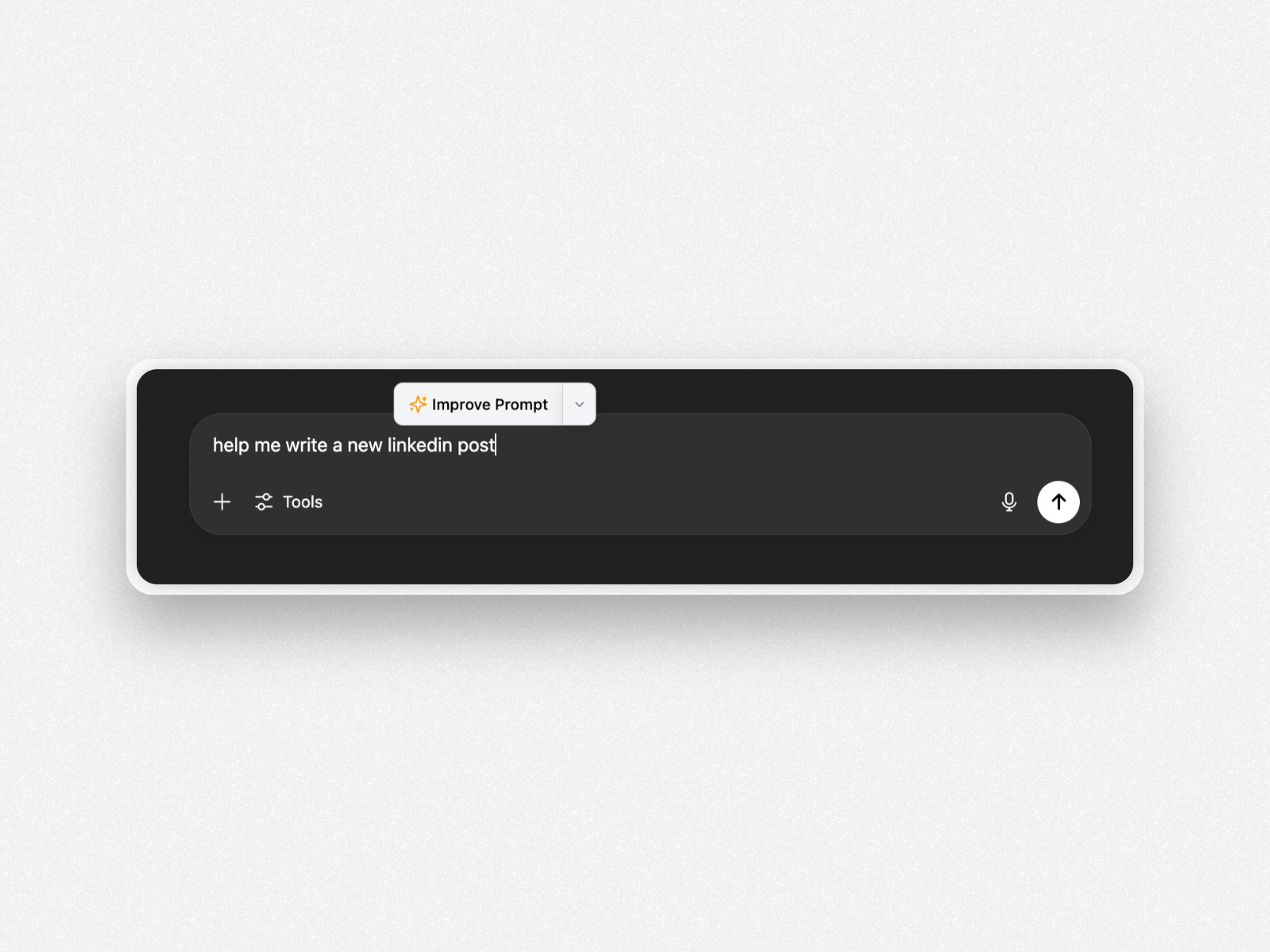
Floating Button:
Below Text
Above Text
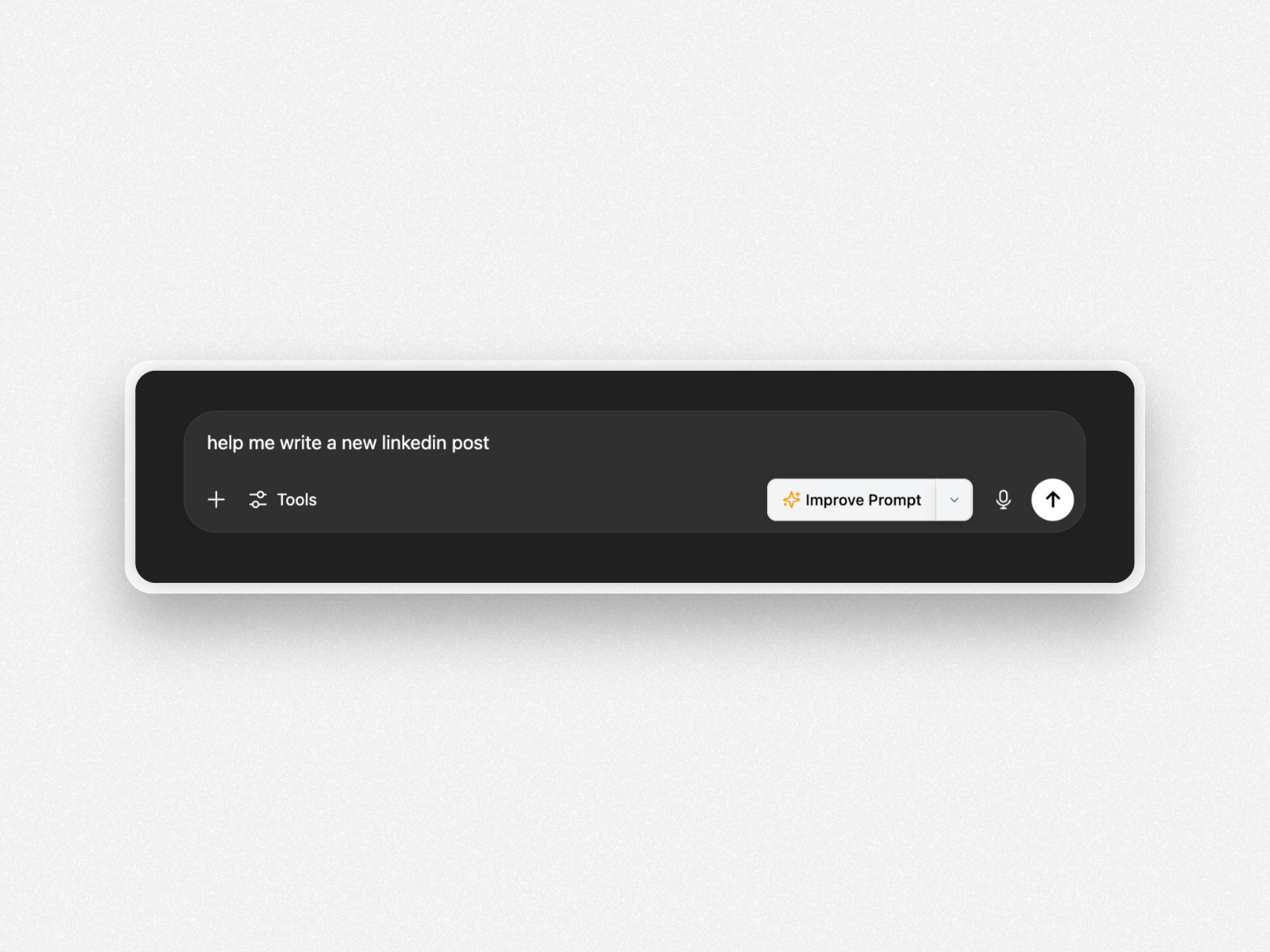
Pinned Button:
How can you choose the position of the button?
Click on the dropdown in the ✨ Improve Prompt button.
Or click on Settings in the Popover (top-right of your Chrome Extension)
Details:
The default for all users is Floating – Below the text.
When Floating, the button will follow your text automatically.
When Pinned, the button:
Opens automatically when you start typing
Closes when all text is deleted
Reopens as soon as you type again
Let us know what button you prefer! Happy Prompting!
Keep up with the latest releases and get the most out of your AI with Pretty Prompt.